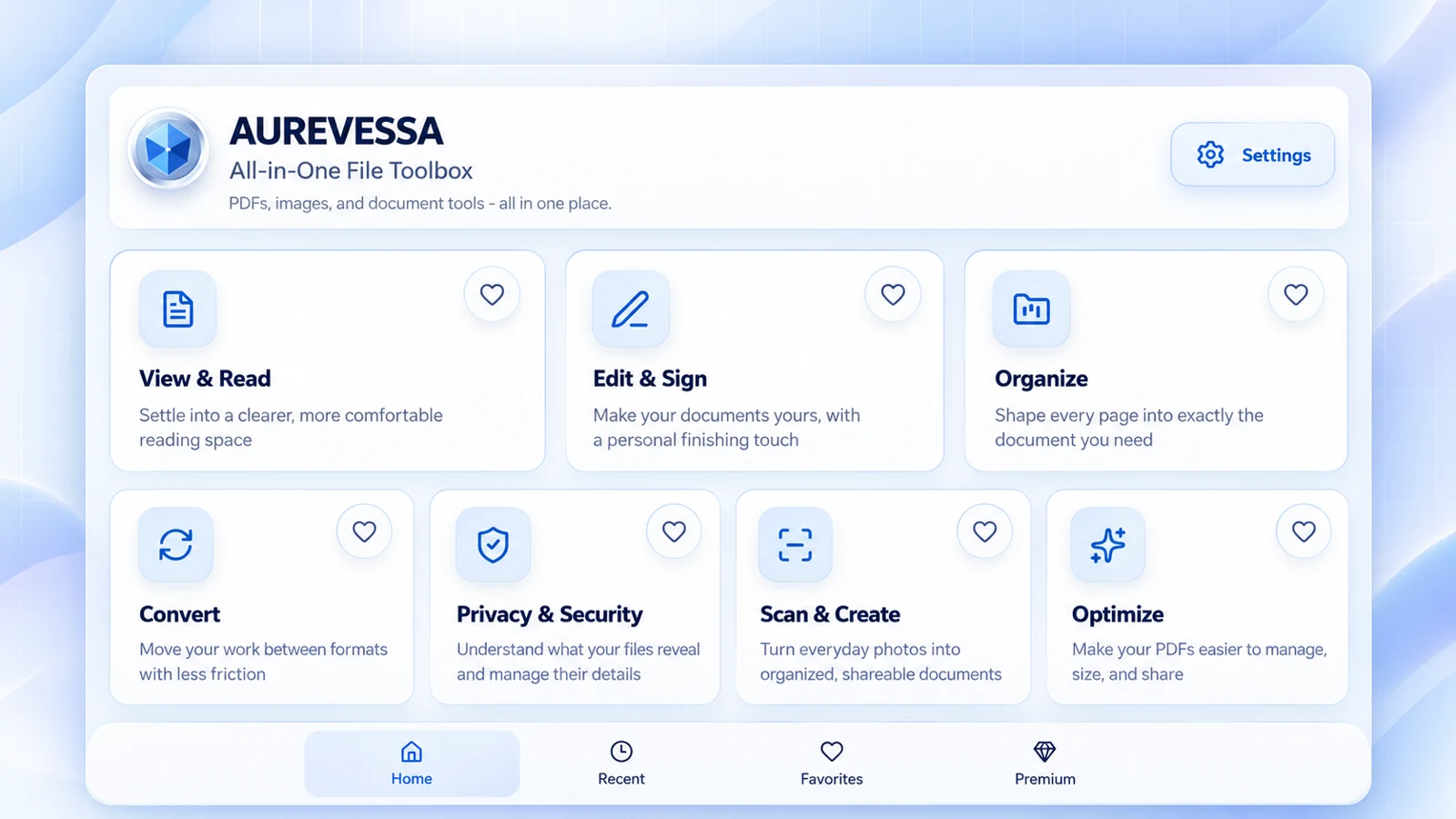
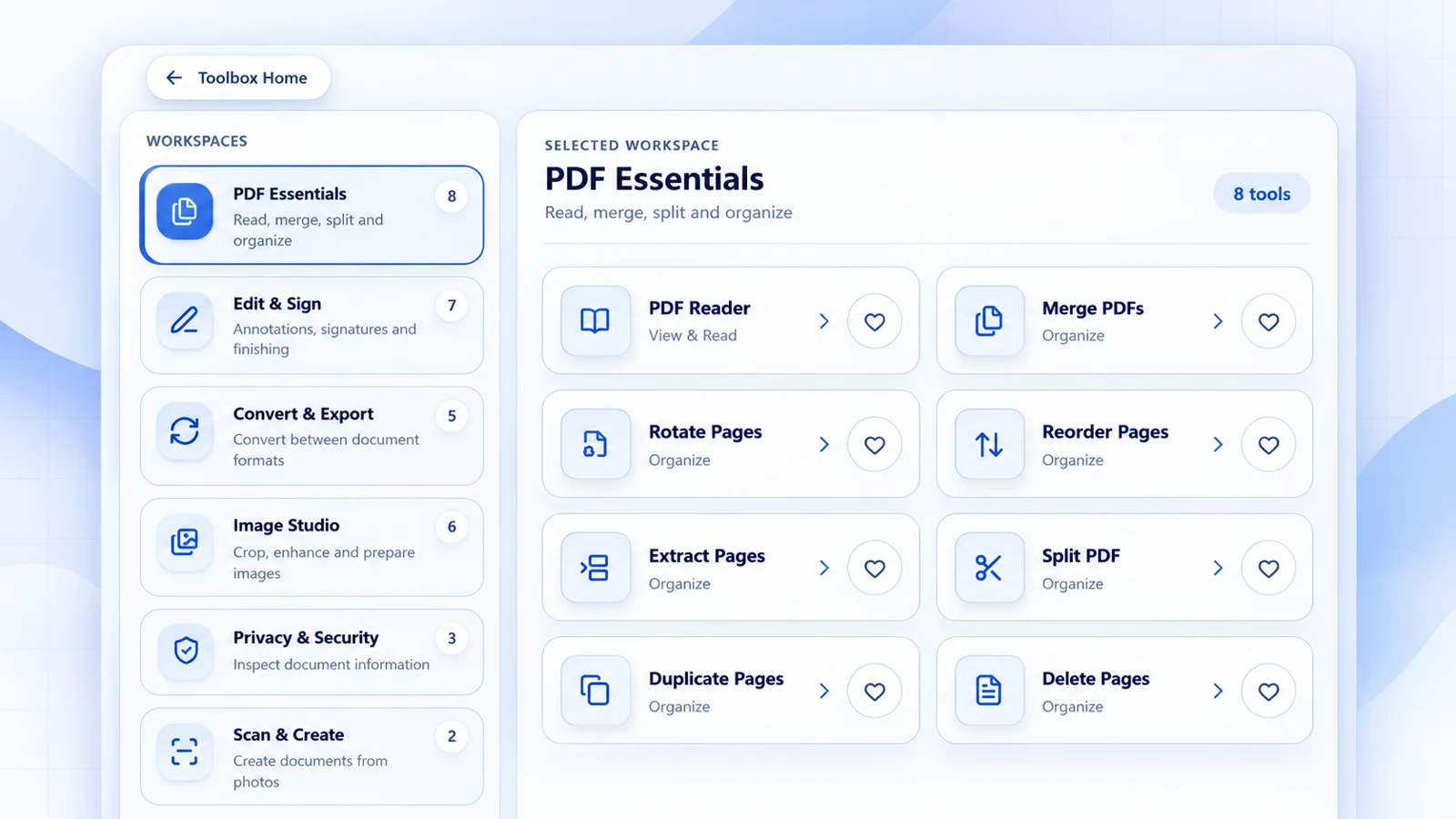
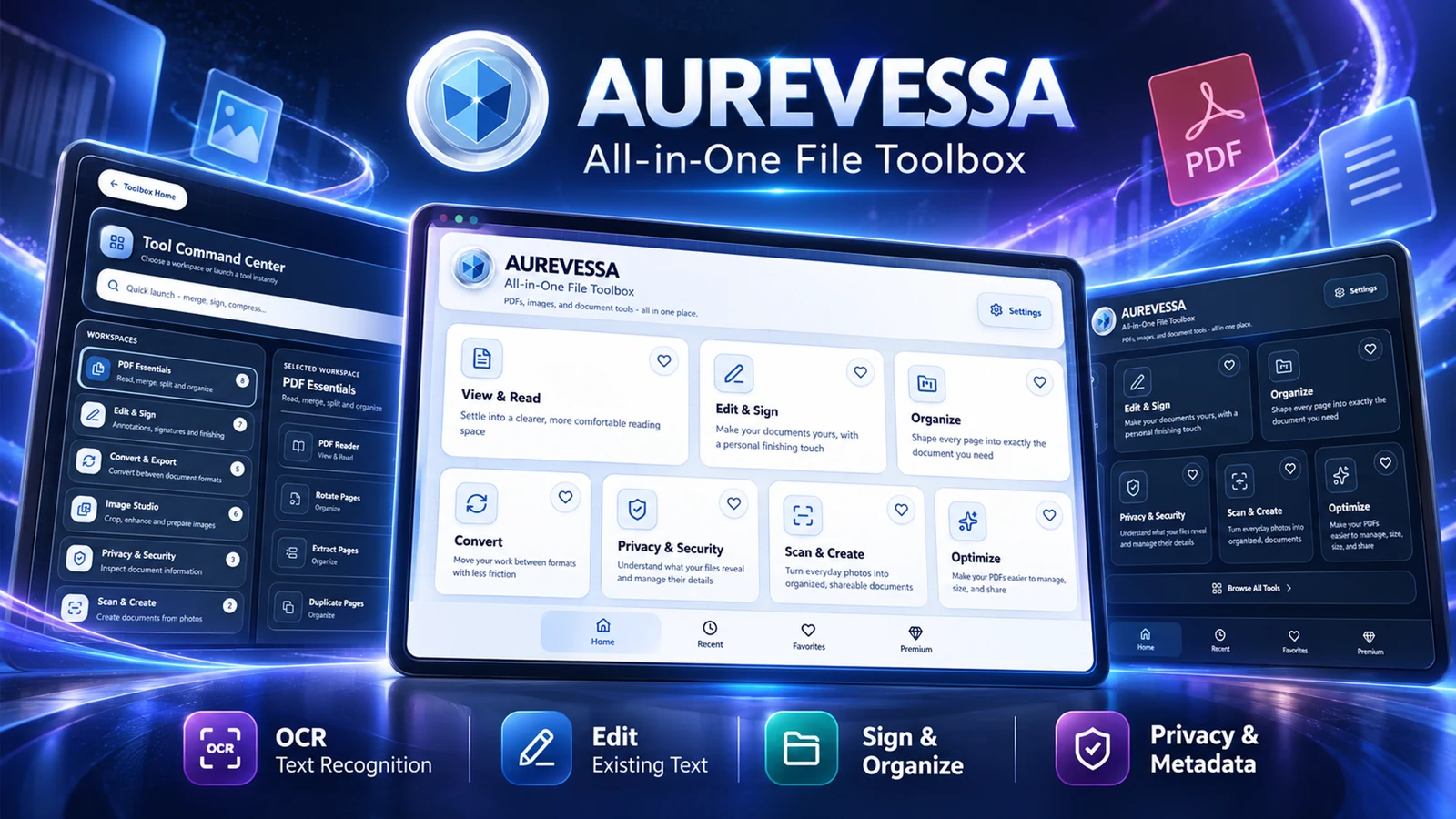
Current Aurevessa interface · Product image supplied by Rare Frequency Works
Three tools. Everyday impact.
Made for the details that matter.
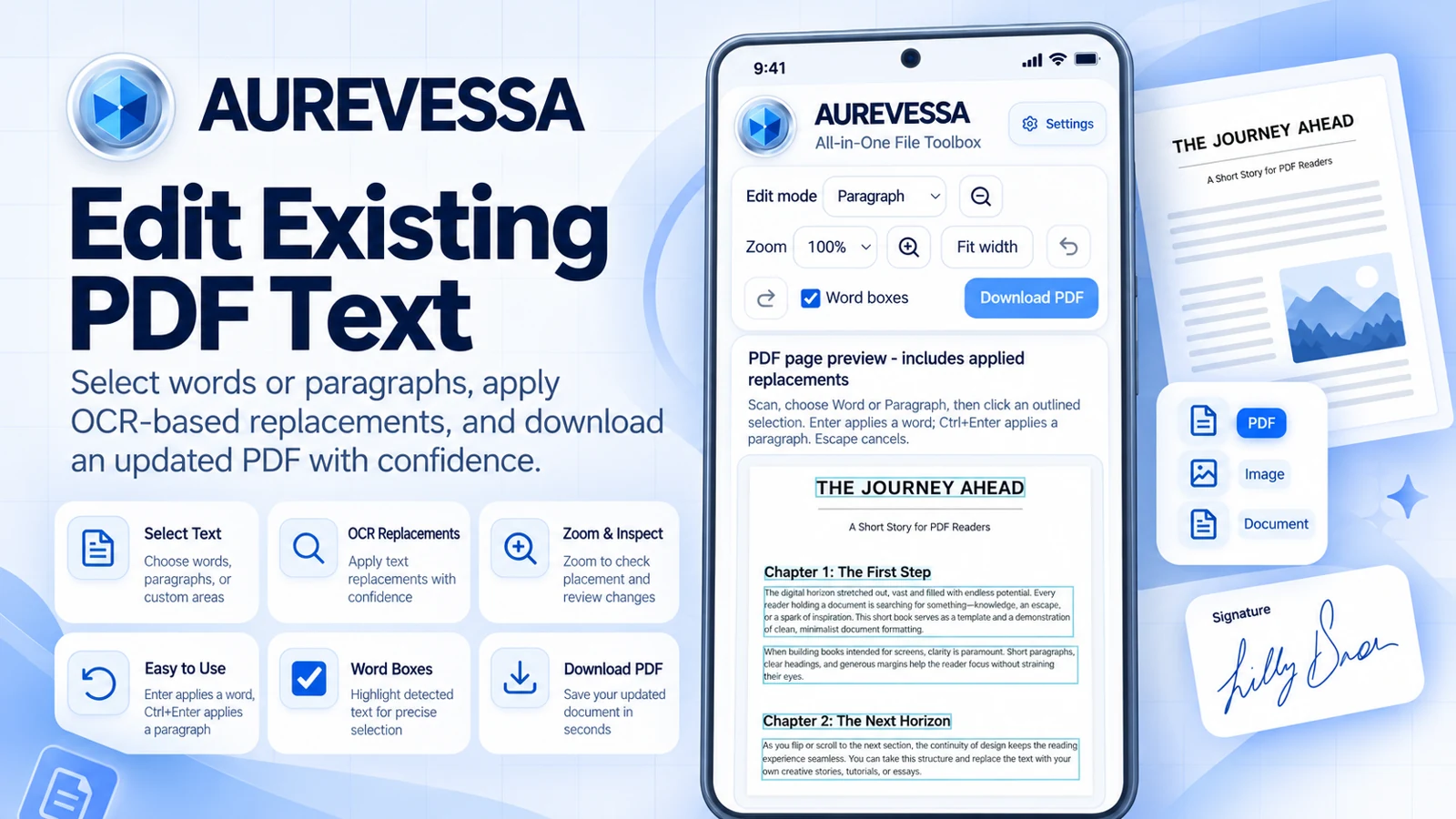
01 / Edit existing PDF text
The words can change. The work can move on.
Correct a word, update document text, or replace a selected paragraph in a supported PDF. Use the editing controls, check the placement, and save the updated document.
Scanned pages, unusual fonts, and complex layouts may need extra care. Always reopen the saved PDF and check the result.
Start with a clear scanSharp, well-lit pages give OCR a better starting point.
Recognize the textUse the available OCR tool in Aurevessa.
Review and reuseCheck names, numbers, and formatting before exporting.
WORKFLOW GUIDE · NOT AN APP SCREENSHOT
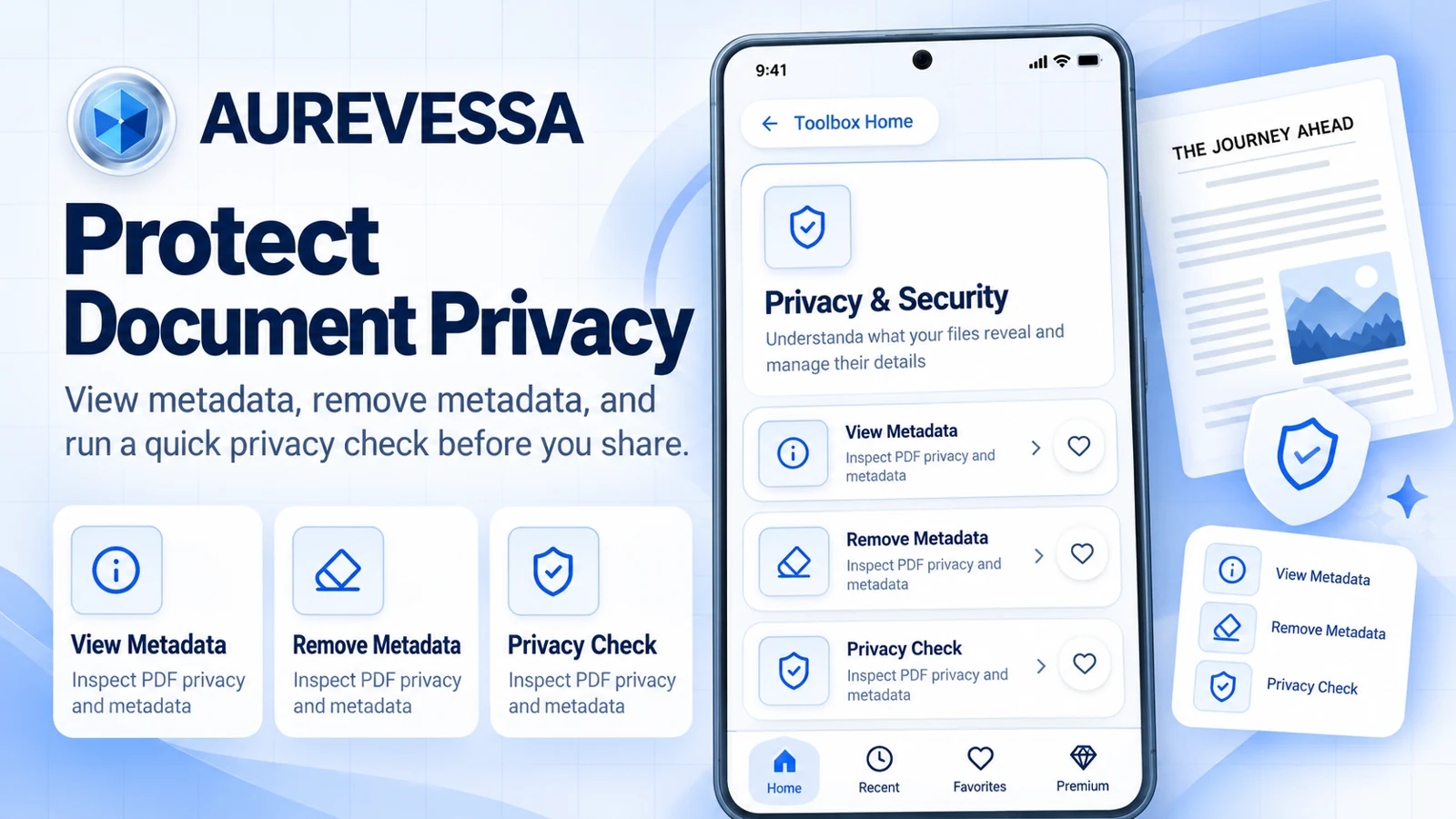
03 / PDF metadata & privacy
Share the document. Review the details.
View Metadata to inspect document properties. Remove Metadata to clear supported standard metadata. Use Privacy Check to review document information before sharing.
Metadata removal is not complete anonymization. Review visible content, attachments, and other identifying information too.
Monthly and Yearly provide the same membership benefits; only the billing period and price differ. Features and availability remain subject to your platform.
US monthly and yearly pricing also applies to Amazon, as confirmed by Rare Frequency Works. Prices, taxes, offers, premium benefits, and availability may differ by platform and region. Check the final terms in your app. No lifetime membership is offered. Purchases use the existing platform checkout; access may not transfer between platforms.
On Android, the published premium plan is named Aurevessa Pro. Other platforms may display a different premium name. Check the in-app plan for save limits, downloads, and ad-free eligibility.
Aurevessa product artwork supplied by Rare Frequency Works.
This recording shows an earlier Aurevessa interface. Current tools and controls may look different. It is retained as a historical demonstration, not a walkthrough of the current release.